
chart timeframes
From minutes to hours, days, weeks, and months — switch views when you want the short-term detail or the bigger picture.
MT4 PLATFORM FEATURES
From charts and orders to Expert Advisors — the tools traders use every day
MT4 puts charts, indicators, order tickets, and EA automation in one terminal. Watch the market, manage trades, or test a strategy — without leaving the platform you already know.
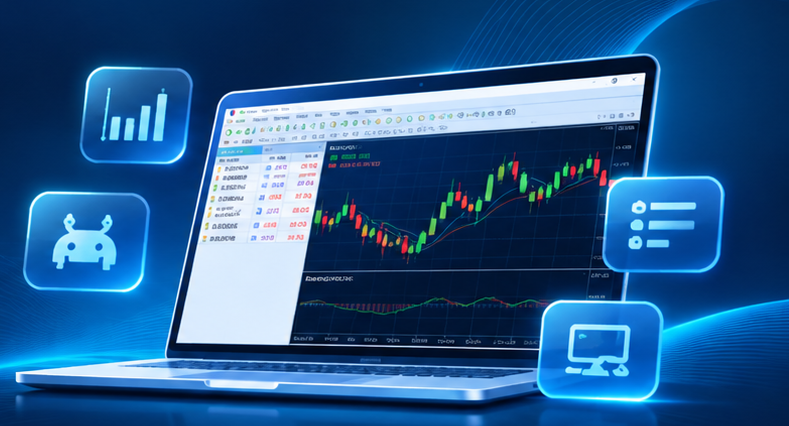
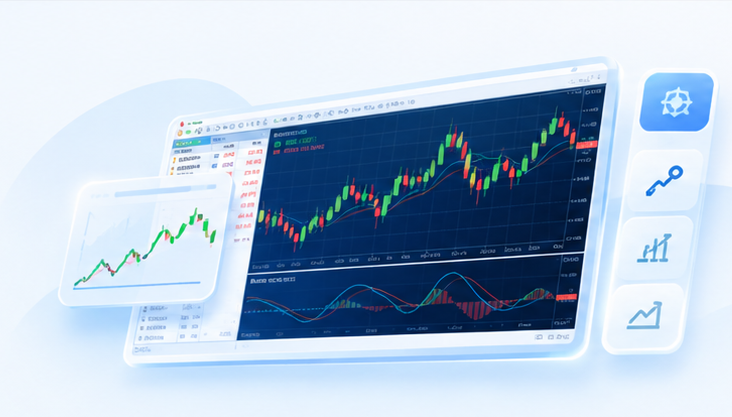
Module 01|Charts & technical analysis
Flip between timeframes, layer indicators, and draw levels when you need them. MT4 gives you a practical chart workspace for studying how markets move.
Set up the layout you like, mark key zones, and keep your analysis organized — whether you’re watching minutes or the monthly view.
From minutes to hours, days, weeks, and months — switch views when you want the short-term detail or the bigger picture.
Moving averages, MACD, RSI, Bollinger Bands, and more. Mix them to check trend, momentum, and volatility.
Trendlines, channels, Fibonacci tools, and other objects for marking levels, patterns, and possible support or resistance.
Module 02|Orders & trade management
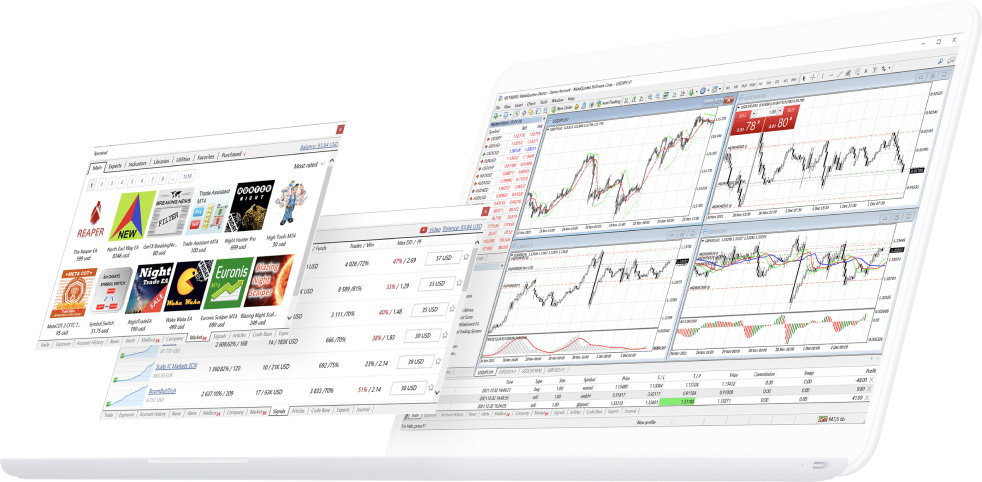
Market and pending orders, stop tools, and account details live in the same terminal — so you can send a trade now or set conditions and stay on top of what’s open.
Market orders plus four pending types — handy when you want to enter now or wait for a price.
Stop loss, take profit, and trailing stop help you define exits before the market moves against you.
See open trades, order status, balances, and history in one place for day-to-day checks.
Module 03|EA automation
Expert Advisors are written in MQL4. Use MetaEditor to code, the Strategy Tester to check history, then run the EA when your setup and server allow it.
Code EAs that match how you trade — entries, exits, and risk settings included.
Run the Strategy Tester on historical data and compare parameter sets so you’re not flying blind.
When conditions allow, an EA can watch the market and place trades by your rules — less clicking, same logic.
Automation doesn’t guarantee profits. Results depend on markets, settings, your terminal build, and how your broker executes.

Module 04|Mobile trading
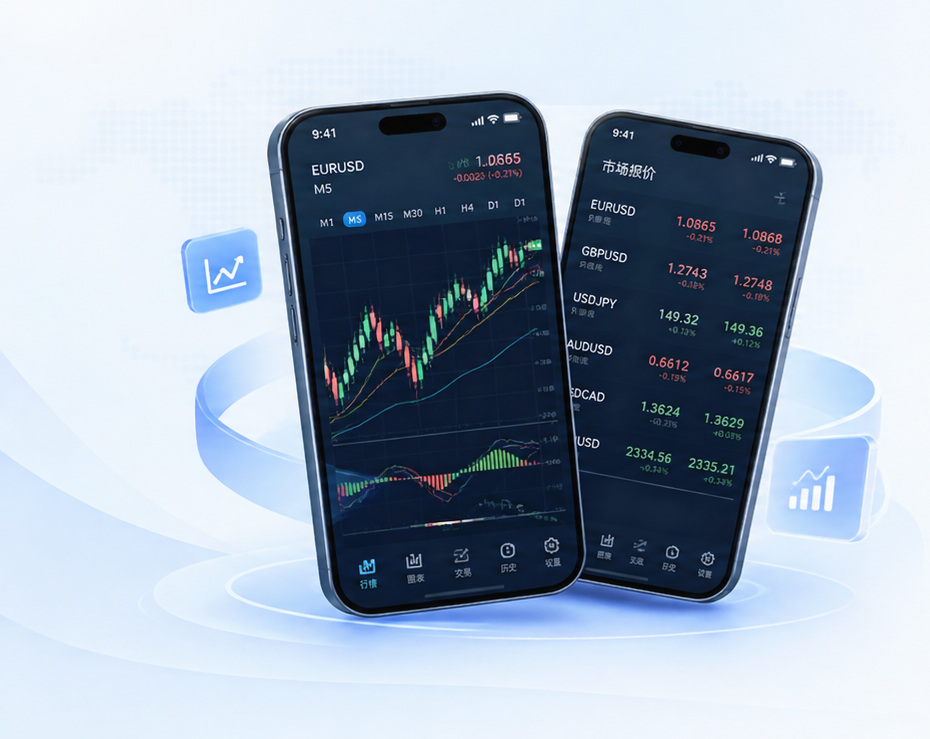
At the office, at home, or on the move — the MT4 apps let you check quotes, open charts, and manage your account from a phone or tablet.
Follow prices across symbols, then tap into a chart when you want a quick read.
Switch timeframes, add indicators, and review price action without sitting at a desktop.
See balances, open positions, and history — and manage orders when you need to act away from your desk.
Module 05|Signals & extensions
Signals, custom indicators, Market apps, and MQL4 code — extras when the built-ins aren’t enough
Beyond the charts and order tools that ship with MT4, you can plug in signal services, custom indicators, MetaTrader Market products, and code from the community.
Follow someone else’s strategy, build your own indicator, or hunt for an EA that fits how you trade — extensions help you shape the terminal around your habits.
01
See how others trade before you commit
Browse signal providers, check their track record and risk stats, and subscribe if something fits.
When the setup allows it, MT4 can copy a provider’s trades based on your subscription — useful for research or hands-off following.
02
When the built-ins aren’t quite right
Load MQL4 indicators for trend, price, or other views that match how you read charts.
Use MetaEditor or community resources to extend your toolkit and keep your chart workspace personal.
03
Browse EAs, indicators, and scripts
MetaTrader Market and the Code Base are where you’ll find Expert Advisors, indicators, and helper scripts.
Some are free, some are paid — pick what you need to expand analysis or automation.
Signals, indicators, and Market tools can fill gaps the defaults don’t cover.
Go to Download CenterSignals, EAs, and third-party tools can involve fees and trading risk. Past results don’t guarantee future performance — and no strategy can promise profits.