
 Windows
Desktop terminal
 Mac
Apple desktop
 Android
Mobile platform
 iOS
iPhone / iPad
 Linux
Desktop distros
01|Charts & technical analysis
See the market the way you want to read it
Nine timeframes, 30 built-in indicators, and drawing tools make it easy to zoom from short-term moves to the bigger picture — and keep your chart layout your own.
METATRADER 4 TRADING PLATFORM
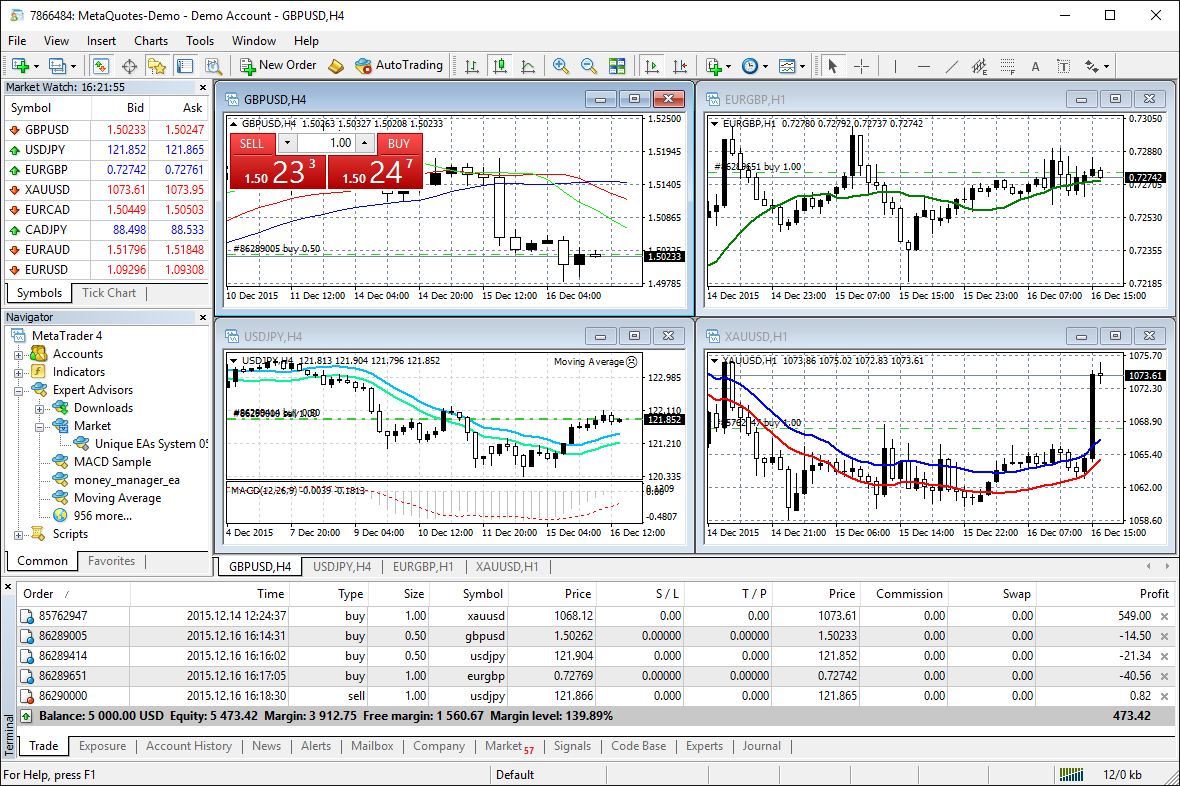
MetaTrader 4 is the familiar terminal many traders still rely on — with charts, indicators, Expert Advisors, and order tools in one place.
WHY TRADERS STILL USE MT4
Watch the market, dig into setups, and manage trades without jumping between apps. MT4 keeps the essentials close at hand on desktop and mobile.
01|Charts & technical analysis
Nine timeframes, 30 built-in indicators, and drawing tools make it easy to zoom from short-term moves to the bigger picture — and keep your chart layout your own.

02|EA automation
Build Expert Advisors in MQL4, test them on history, tweak the parameters, and — when you’re ready — let them watch the market and place trades by your rules.

03|Desktop & mobile
Available for Windows, Mac, Android, and iOS. Do deeper work on a desktop, or pull up quotes, charts, and positions from your phone when you’re away.
ADVANCED CHARTING
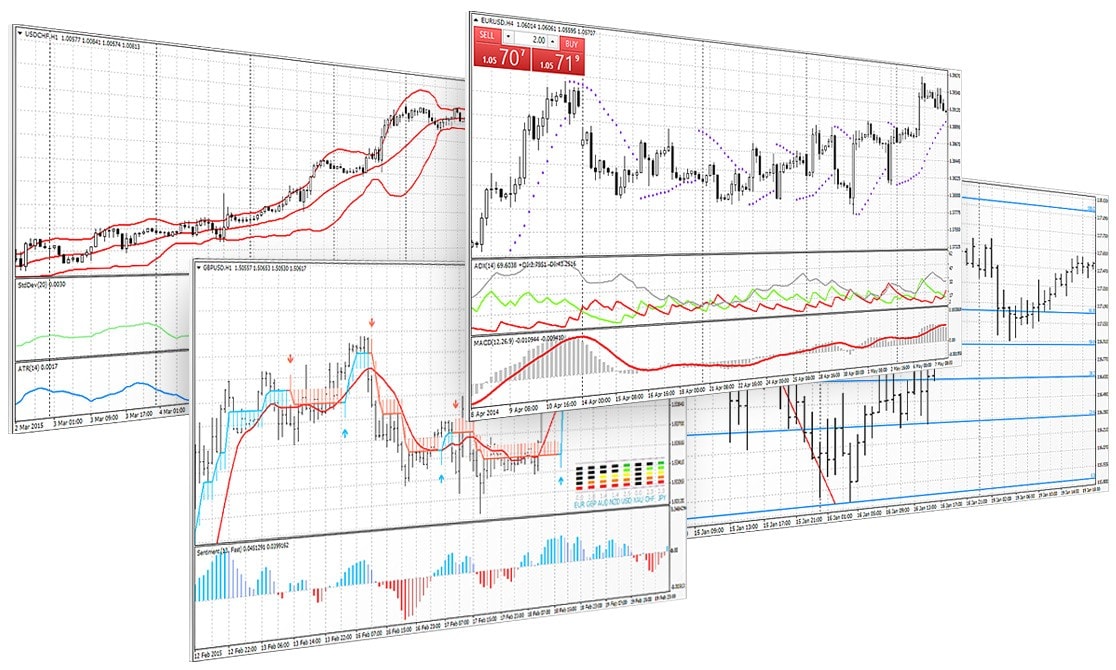
Switch timeframes, stack indicators, and draw on the chart when you need to mark levels. It’s a straightforward workspace for studying how price moves.
EA AUTOMATION · EXPERT ADVISORS
Write strategies in MQL4, test them on past data, then run them as Expert Advisors when the setup and server conditions are right.
Automation doesn’t guarantee profits. Results depend on markets, settings, and your broker’s environment. More detail on the features page.

MOBILE TRADING
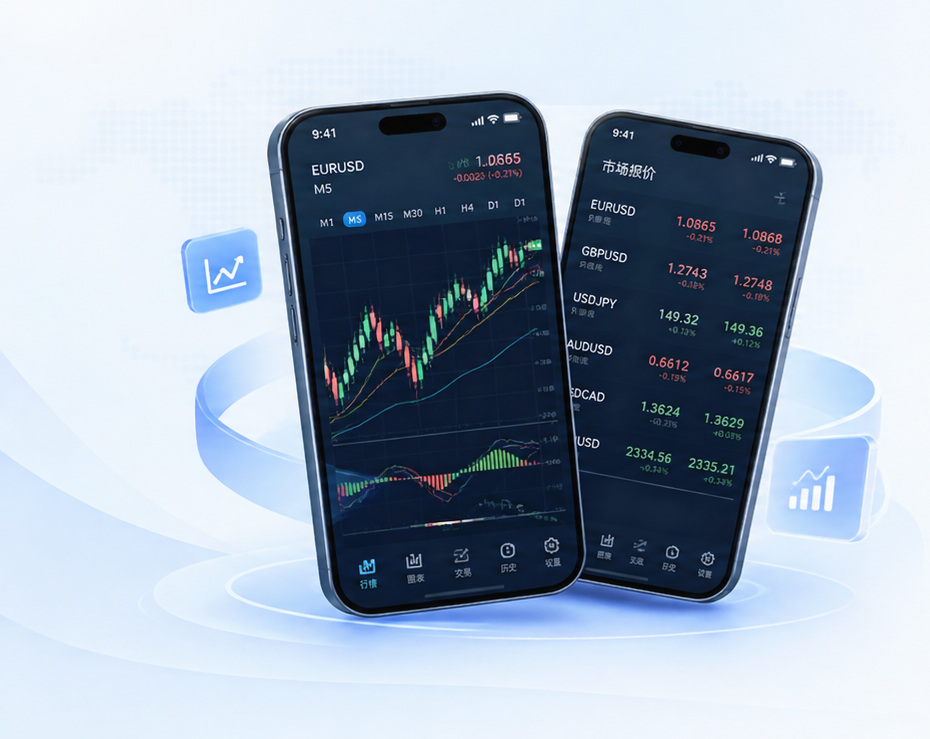
Check quotes, open charts, and manage your account from Android or iOS — handy when you’re not at your desk.
FAQ
Downloads, devices, language settings, and MT4 vs MT5 — the questions people ask most often.

You can usually download the terminal for free from official channels, and demo accounts are a good way to look around. Live trading may still involve spreads or commissions, and some EAs, signals, or add-ons can cost money.
Desktop builds for Windows, macOS, and Linux, plus apps for Android and iPhone/iPad. Check the Download Center for the right link for your device.
Yes. MT4 supports several languages, including Simplified Chinese. On desktop, you can usually switch languages in settings — what’s available depends on the build you install.
MT4 is the classic forex-focused platform with MQL4, 9 chart timeframes, and 30 built-in indicators — plus a huge EA ecosystem.
MT5 adds more timeframes, more built-in tools, and broader multi-asset features with MQL5.
Pick based on what your broker supports and what you actually need day to day.
Need more on downloads, login, indicators, or EAs? The full FAQ page has you covered.