

Windows
Desktop terminal
The full desktop terminal for charts, orders, and EAs. Installer hosted on the MetaQuotes CDN.
Download nowMT4 DOWNLOAD CENTER
Windows, Mac, Android, and iOS — pick the build that matches your setup and head to the official download link.
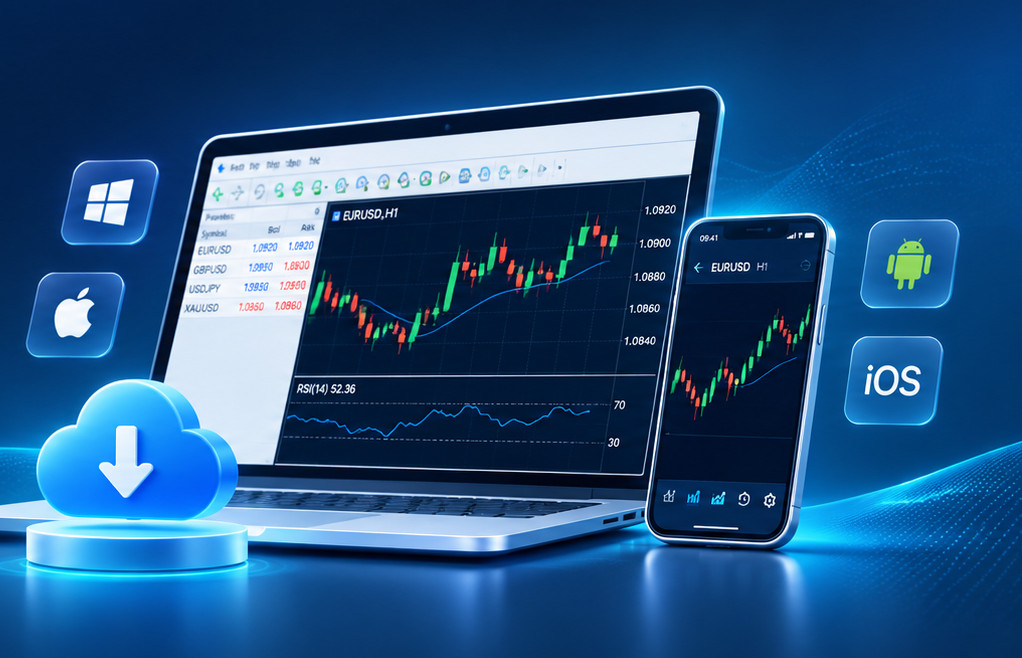
Desktop terminal
The full desktop terminal for charts, orders, and EAs. Installer hosted on the MetaQuotes CDN.
Download now
Apple desktop
Run MT4 on MacBook or iMac with the official macOS package.
Download now
Mobile platform
Quotes, charts, and account tools in your pocket — via the official Android link.
Download now
iPhone / iPad
The familiar MT4 charts and order tools on iPhone and iPad.
Download now
Desktop distro option
A desktop option for Linux using the official Wine-based install script.
Download nowNote: Official MetaTrader pages often list both MT4 and MT5. Our buttons go to MT4 files — double-check the product name before you install. We don’t host installers on this site.
DOWNLOAD FAQ
Is it free? MT4 or MT5? How do I log in? Where do the files come from?

Yes — the terminal is usually free from official channels, so you can open charts and try the main tools.
That doesn’t mean live trading is free. Brokers may charge spreads or commissions, and some EAs or signals are paid.
MT4 is the classic choice for forex-style trading, with MQL4 and a huge EA community — 9 timeframes and 30 built-in indicators.
MT5 uses MQL5 and adds more timeframes, tools, and multi-asset features.
If you already have a broker account, check which platform it uses. MT4 and MT5 logins usually aren’t interchangeable.
You’ll need a login, password, and server name from your broker.
Open MT4, enter those details, pick the right server, and connect.
If it fails, re-check the credentials, your network, and the broker’s server list.
No. This is an independent guide — we explain the platform and point you to official download links.
We don’t host or modify MT4 installers. Use the buttons on this page to go to authorized sources.
Before you install, make sure the product name says MetaTrader 4, not MetaTrader 5.
More help on devices, language settings, login, indicators, and EAs.